Support for Motion Photos and Live Photos
We’re excited to announce that zeitkapsl.eu now fully supports Motion Photos (Android/Google) and Live Photos (iPhone/iOS), bringing your memories to life, exactly as you captured them.
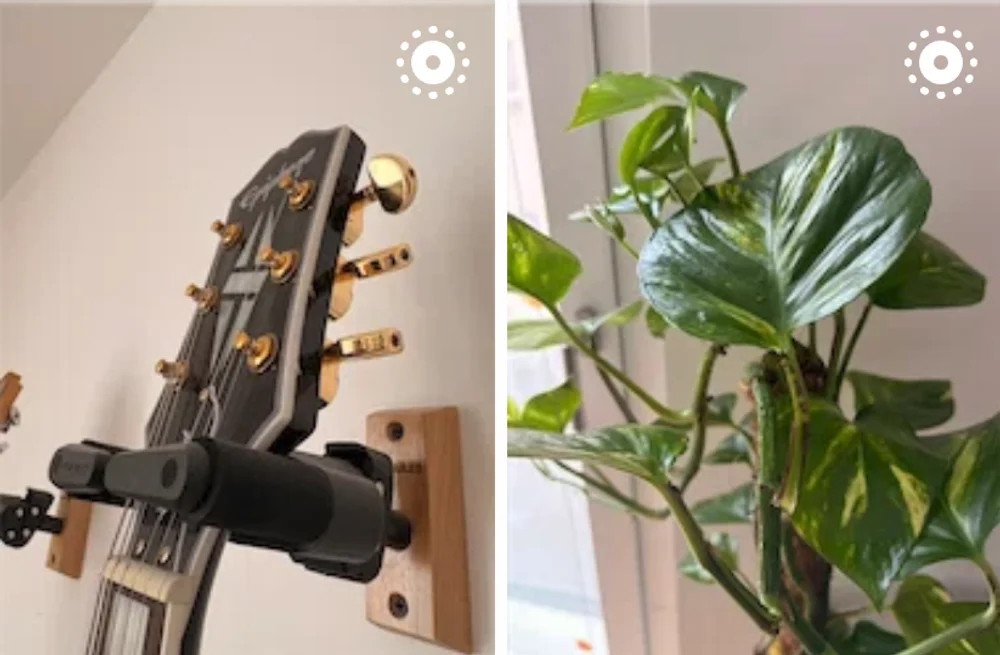
What Are Motion Photos and Live Photos?
Both formats capture a brief video clip alongside a still image, giving your photos a sense of motion and atmosphere. They go by different names depending on your device:
- Live Photos — Apple’s format, captured on iPhone. Each photo includes a short video clip (~3 seconds) stored alongside the JPEG or HEIC image.
- Motion Photos — Google’s format, used on Pixel and many other Android devices. The still image and the video clip are bundled together into a single file.
- Live photos are indicated on the grid with a little icon in the corner
Until now, zeitkapsl stored these files but only displayed them as static images. With this update, the video component is preserved and played back automatically in the viewer.
What’s New
- Motion Photos and Live Photos are automatically detected during sync, no manual steps required.
- The embedded video is extracted, transcoded if necessary, and stored as a separate representation alongside the still image.
- In the web viewer, the video plays automatically when you open a Motion/Live Photo, then fades back to the still image once it ends. Tap to replay.
- On Android and iOS, the viewer displays the motion component inline, consistent with the native photo app experience.
How it Was Implemented
Supporting these two formats required platform-specific handling at every layer of the stack. You see the full implementation in this commit.
Android Motion Photos
Google Motion Photos embed the video directly inside the JPEG or HEIF image file. The video’s byte
offset is stored in XMP metadata under the Camera:MotionPhoto flag and Container:Item entries.
The Go core library reads this XMP data to locate the embedded video precisely.
For older Motion Photo files that lack XMP metadata, a fallback scan searches the raw file bytes for
an MP4 header signature (ftyp mp42) to locate the video segment.
iOS Live Photos
On iOS, Live Photos are managed by the system Photos framework. The PHAsset API exposes the media
subtype (mediaSubtypes), which allows detection of live photos at sync time. The video component is
extracted using PHPhotoLibrarySource.
Desktop / Linux
On desktop, many camera apps and export tools save the video as a sidecar file next to the image
— for example, IMG_1234.HEIC paired with IMG_1234.MOV. Zeitkapsl detects these pairs by matching
filenames (case-insensitively) in the same directory, preferring .mov and .mp4 formats.
Video Transcoding
To keep preview sizes manageable, videos that are either too large (over 3 MB) or not in H.264 format are automatically transcoded to H.264/AAC at 4 Mbps and stored alongside the original files.
Web Viewer
The web frontend was updated to fetch and play the video representation using the browser’s native
<video> element. The video plays once, then the still image is displayed, tapping/clicking it replays the
animation. Object URLs are properly managed to avoid memory leaks.
FAQ
Are my Motion/Live Photos stored as-is or converted? The original file is always preserved. The video component is extracted and stored as an additional representation, your originals are never modified.
What if my Motion Photo doesn’t animate? Some older or third-party camera apps produce non-standard Motion Photo files. zeitkapsl uses a fallback MP4 header scan for these cases, but some files may still not be detected. If you encounter this, feel free to open an issue.
Does this work on all platforms? Yes, Android, iOS, the web app, and the desktop client all support Motion/Live Photo playback as of this release.
Will Android motion photos work on iOS?
Yes!
Will iOS Live Photos work on Android?
Yes!
Does the Live Photo video count towards my storage quota? The extracted video representation is stored alongside the original and counts toward storage. Given that Live Photo clips are typically a few seconds long, the overhead is small.
Are Google Pixel Motion Photos and Samsung Motion Photos both supported? Google Motion Photos (Pixel) are fully supported via XMP metadata parsing. Samsung Motion Photos use a similar but distinct embedding format — support for those is on our roadmap.
What version do i need
- For Android and iOS make sure you have
v1.16or newer - For Desktop make sure you have
v1.5or newer - For CLI make sure you have
v1.4or newer
As always, feedback and bug reports are welcome. Happy syncing!